Description
Make your menu easier, faster and more convenient to access with one simple tap or scan.
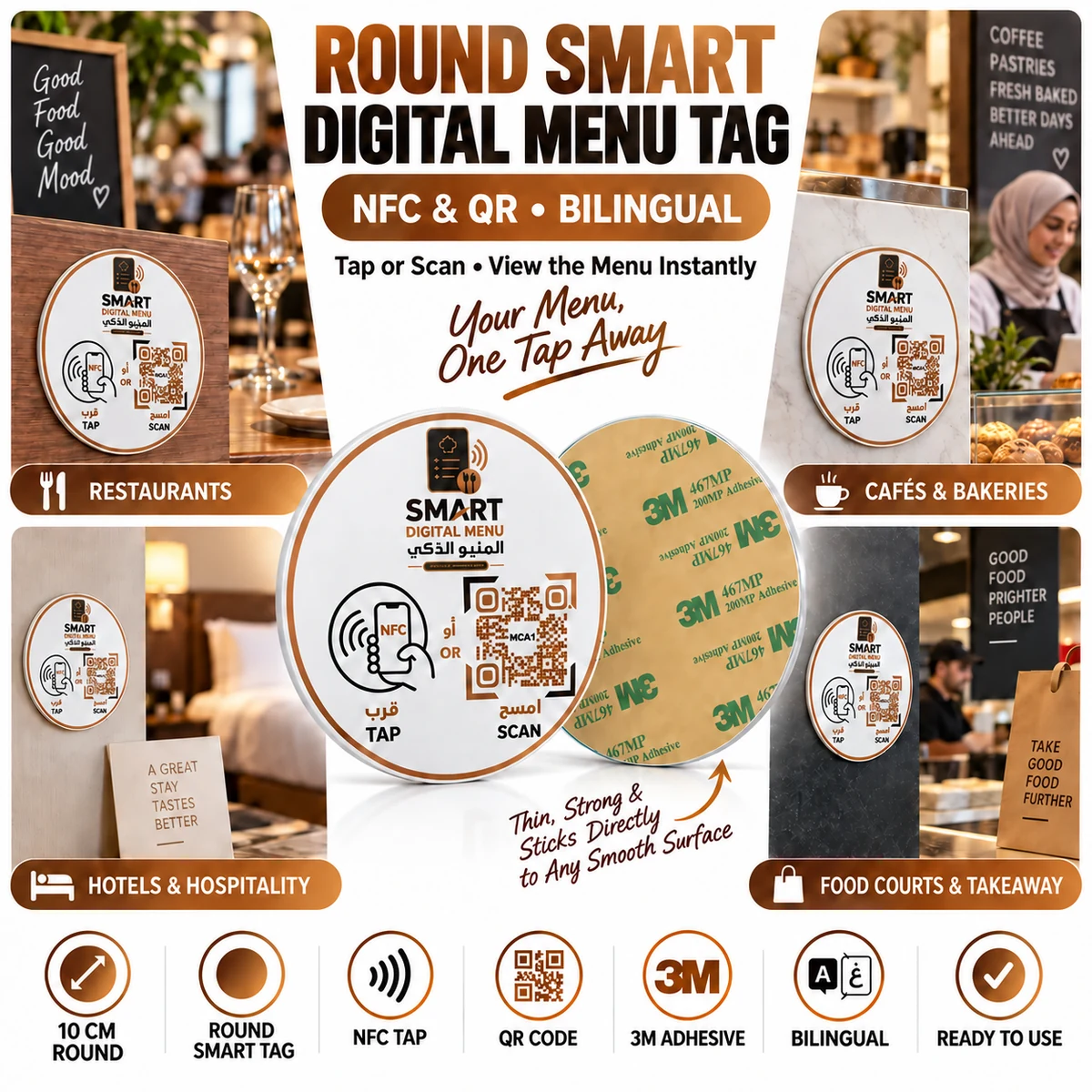
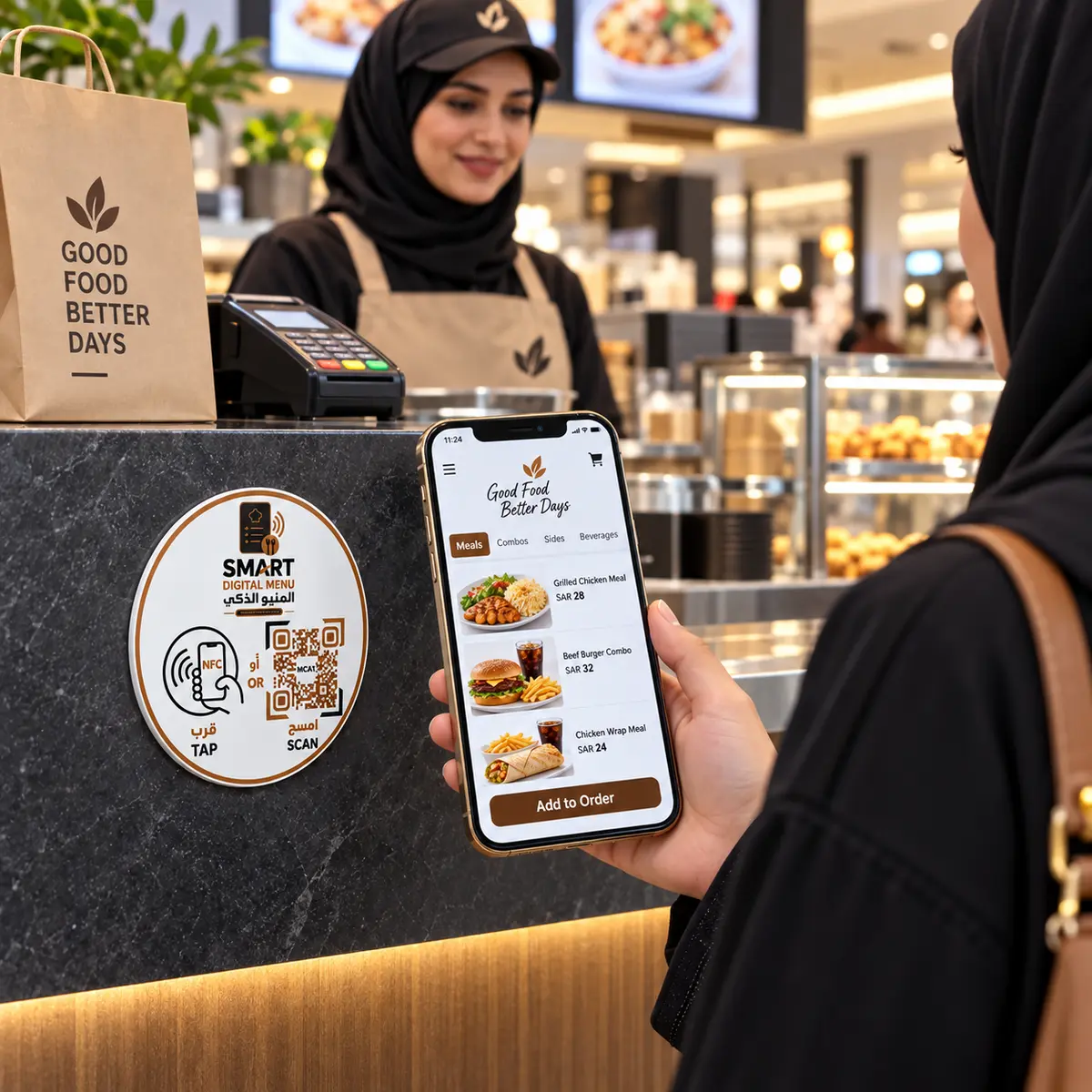
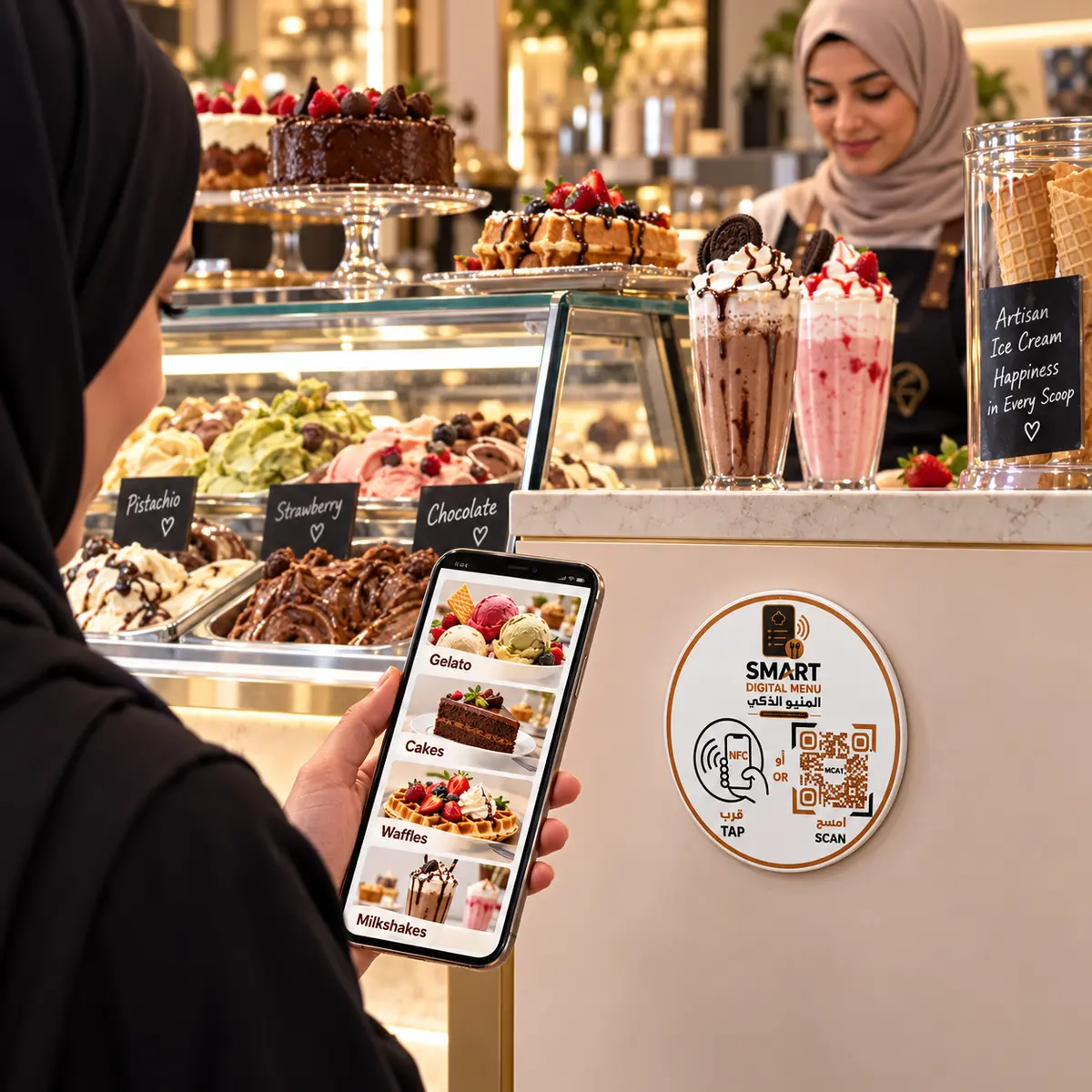
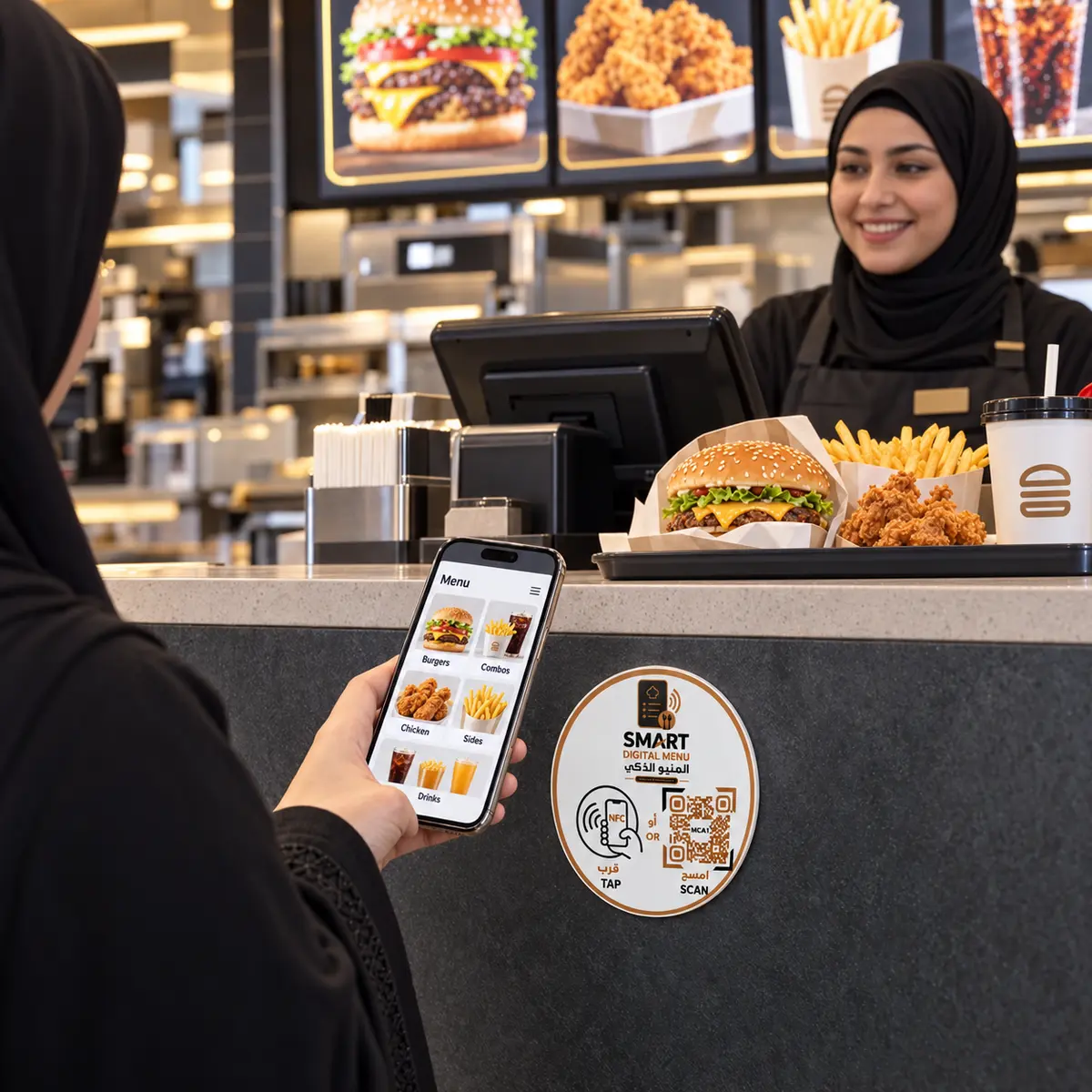
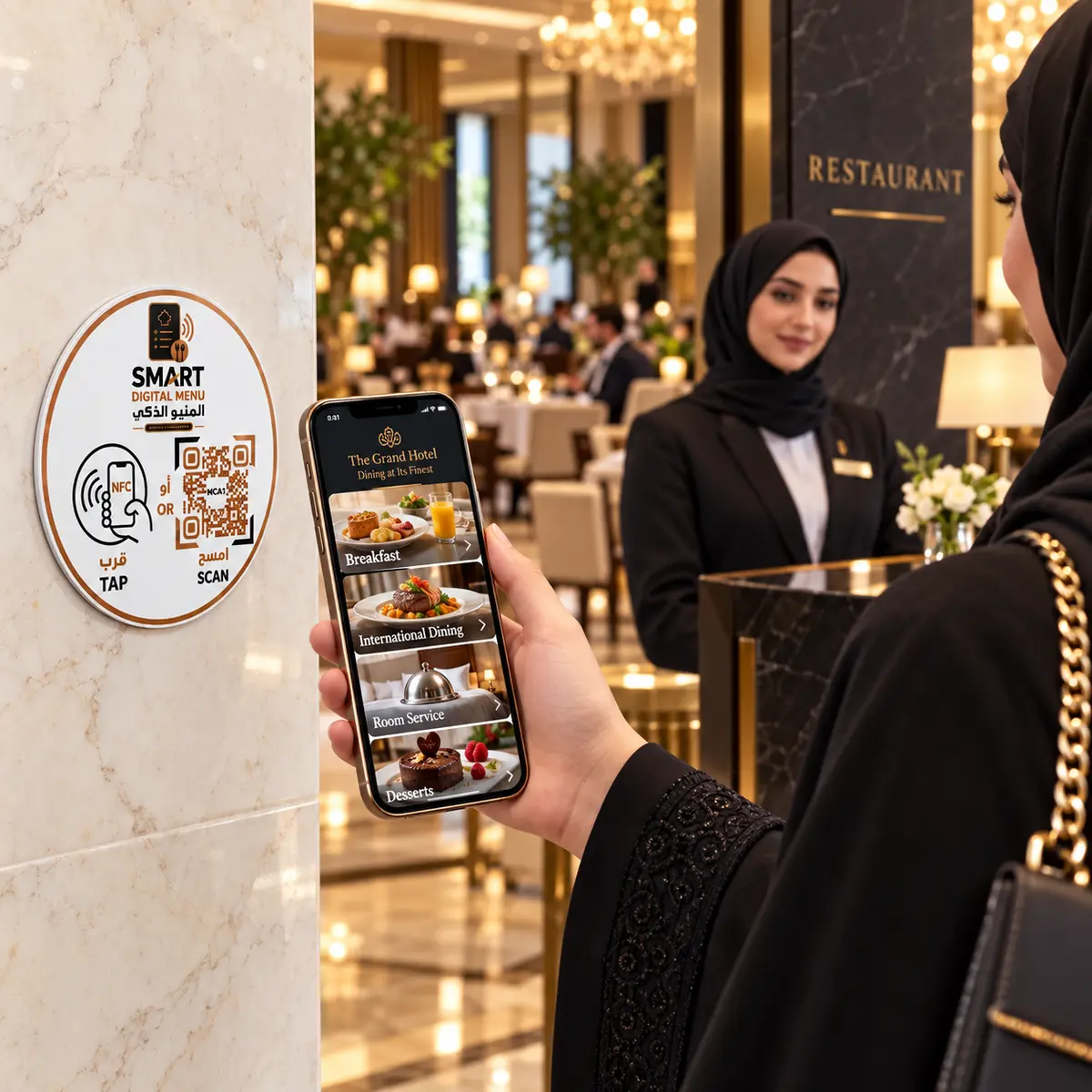
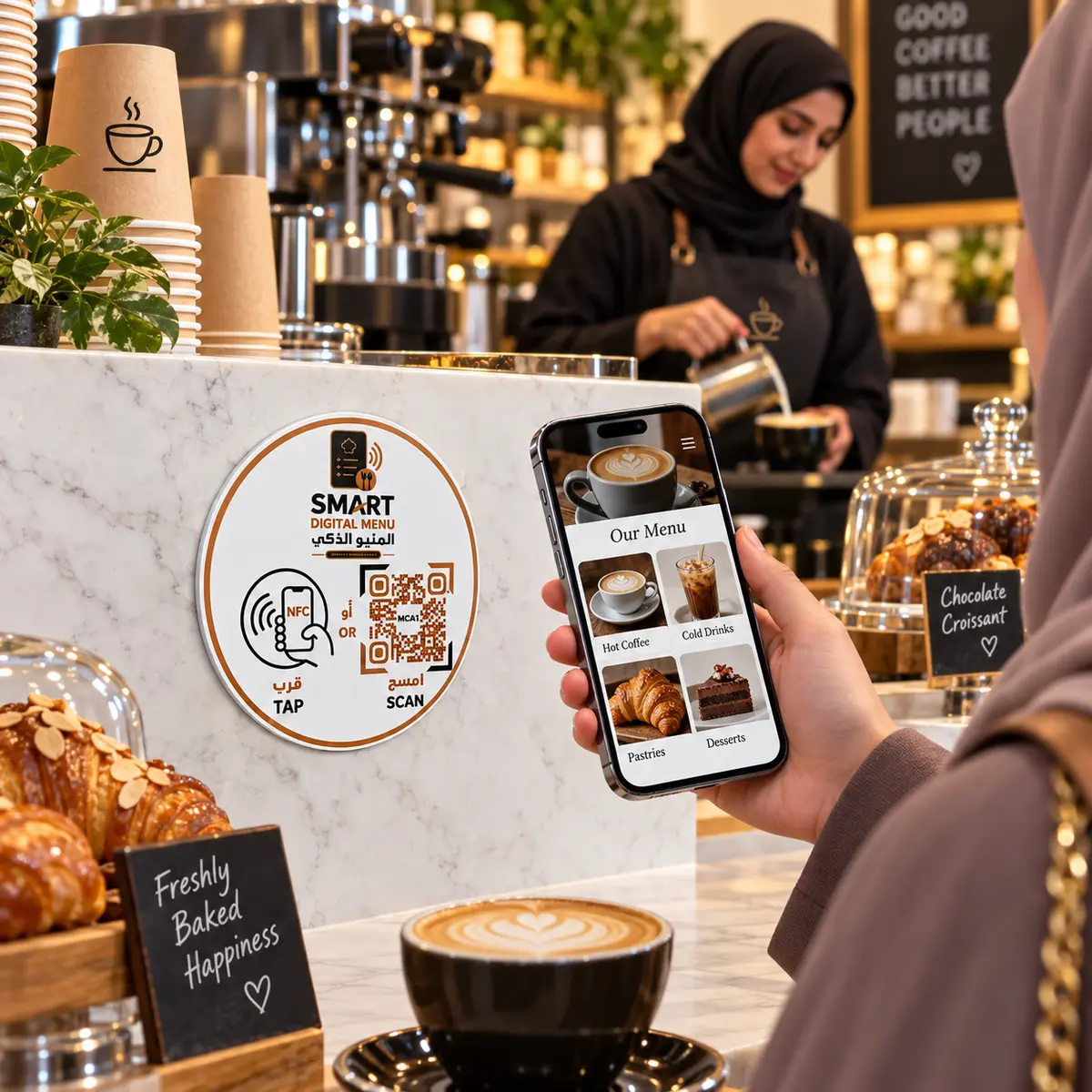
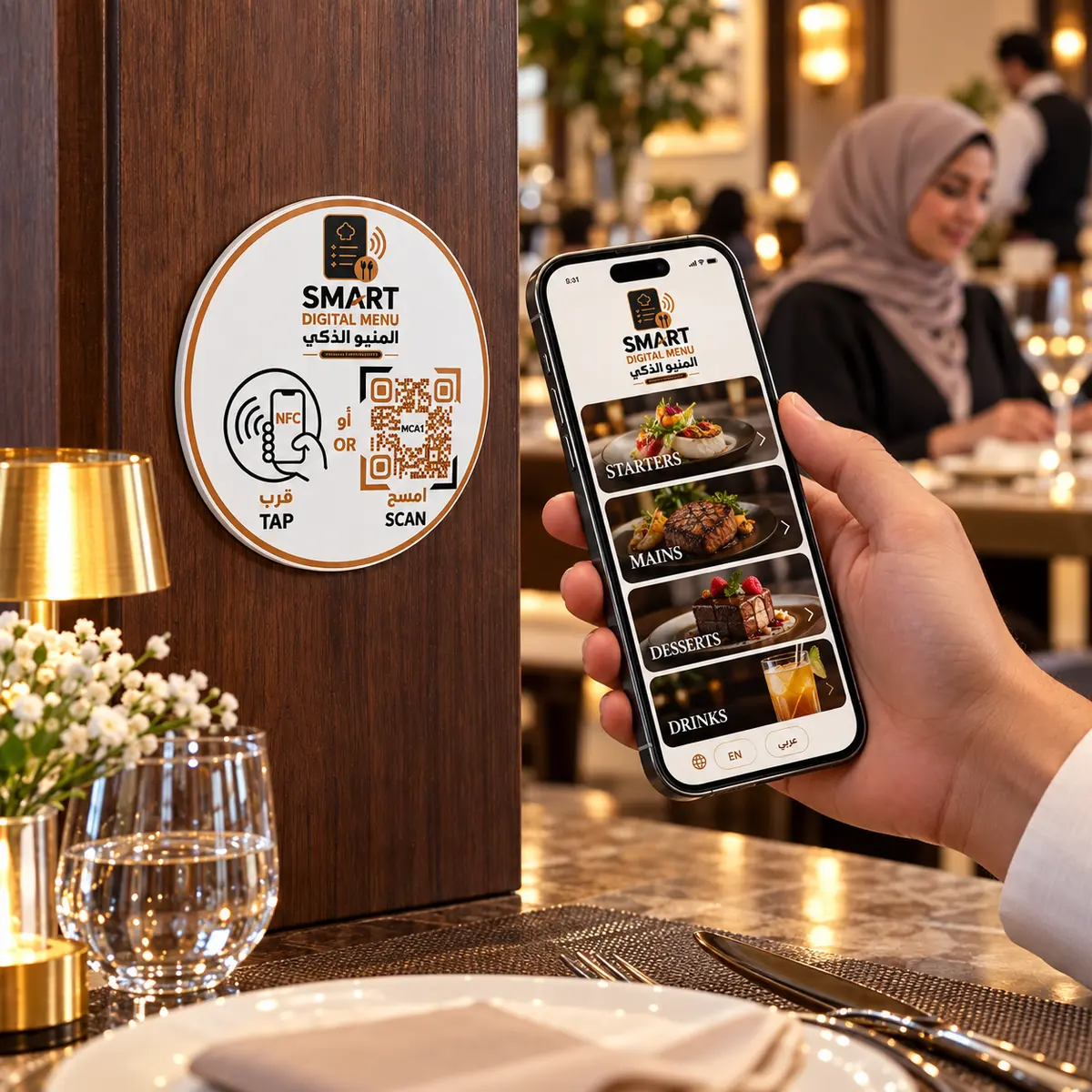
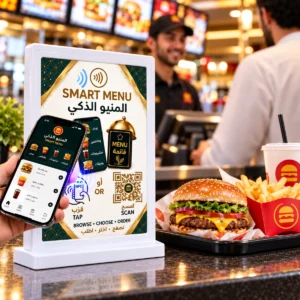
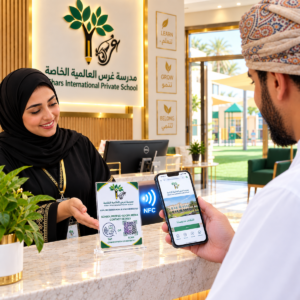
The 10cm Round Smart Digital Menu NFC & QR Tag allows customers to open your online food or drinks menu instantly using their smartphones. Customers can tap the built-in NFC chip with a compatible phone or scan the printed QR code—without downloading an application, typing a web address or handling a printed menu.
Its slim, round design features strong 3M self-adhesive backing, allowing the tag to be attached directly to clean and smooth surfaces such as tables, counters, walls, doors, menu boards and takeaway collection points.
Each Smart Tag is programmed with your digital menu link and tested before delivery, so it arrives fully prepared and ready to use.
Key Features
- 10 cm round Smart Digital Menu Tag
- Built-in NFC technology
- Custom QR code linked to your digital menu
- Strong 3M self-adhesive backing
- Quick tap-or-scan menu access
- Professional bilingual Arabic and English design
- Slim and space-saving construction
- Attaches directly to clean and smooth surfaces
- No battery or charging required
- No additional application required
- Compatible with most NFC-enabled smartphones
- Suitable for food and drinks menus
- Supplied fully programmed, tested and ready to use
Design Notice
The product’s bilingual design, wording, colours and layout are fixed exactly as shown in the product images and cannot be customised.
Only the following elements will be prepared for your business:
- The NFC chip will be programmed with your digital menu link.
- The QR code will be generated and linked to the same menu.
Your business name, logo and colours will not be added to this ready-made design.
Suitable For
- Restaurants
- Cafés and coffee shops
- Bakeries and dessert shops
- Hotels and hospitality businesses
- Food courts
- Takeaway counters
- Food trucks
- Juice bars
- Ice cream shops
- Catering businesses
- Hotel rooms and dining areas
- Events and temporary food outlets
Where It Can Be Attached
The Smart Tag can be placed on suitable clean and smooth surfaces, including:
- Restaurant tables
- Service counters
- Reception desks
- Walls and doors
- Menu boards
- Table stands
- Hotel room surfaces
- Takeaway collection points
- Food court counters
How It Works
- Place your order.
- Copy and paste your complete digital menu link into the Order Notes section during checkout.
- We will verify the submitted link.
- The NFC chip will be programmed with your menu link.
- A QR code linked to the same digital menu will be generated and printed.
- The NFC and QR functions will be tested before delivery.
- Attach the tag to a clean, dry and smooth surface using its 3M adhesive backing.
Customers can then tap the NFC area or scan the QR code to view your digital menu instantly.
Accepted Menu Links
The Smart Tag can be linked to:
- A digital menu webpage
- Your restaurant’s online ordering page
- A PDF menu hosted online
- A cloud-hosted menu with a public link
- A menu created on your website
- A restaurant ordering or delivery platform
The menu link must be publicly accessible without requiring special login details or access permission.
How to Send Your Digital Menu Link
Please copy and paste your complete digital menu link into the Order Notes section during checkout.
Example:
https://yourrestaurant.com/menu
Please test the link before submitting it and ensure that it opens directly without requesting access permission.
If you are unable to add the link during checkout, you may send it via WhatsApp together with your order number.
Updating Your Menu
If your menu is hosted on a webpage or cloud file that allows you to update its content while keeping the same link, you can change prices, items and images without replacing the Smart Tag.
If the menu link itself changes, the printed QR code will no longer open the new menu. For this reason, we recommend providing a permanent menu link that will remain the same when the menu content is updated.
Bulk Orders
Special pricing is available for orders of 10 Smart Tags or more.
For a customised quotation, please call or WhatsApp:
+968 9724 4787
Important Notes
- Please ensure that the submitted link opens the correct digital menu.
- The menu link must be active and publicly accessible.
- Production will begin after we receive and verify your link.
- The design, wording, colours and layout cannot be changed or customised.
- Only your menu link will be programmed into the NFC chip and QR code.
- Digital menu creation, menu design and menu hosting are not included unless purchased separately.
- An internet connection is required to open the digital menu.
- The smartphone must support NFC technology to use the tap function.
- NFC may need to be enabled manually on some Android devices.
- Customers can still scan the QR code if their smartphones do not support NFC.
- For best adhesion, attach the Smart Tag to a clean, dry, flat and smooth surface.
- The 3M adhesive is strong; choose the placement carefully before attaching the product.
- Avoid attaching the NFC tag directly to metal surfaces, as metal may interfere with NFC performance.



Reviews
There are no reviews yet.